

Apply a new License Key:
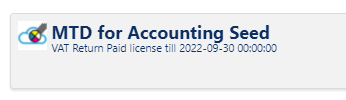
We will get in touch when your License is due for renewal, but you can also see your license status when you go into the VAT Return page:
When you have paid for the renewal we will email you a new License Key. To apply this new key:
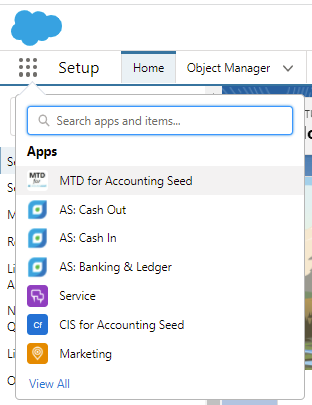
- Choose the ‘MTD for Accounting Seed’ app from the App Selector:

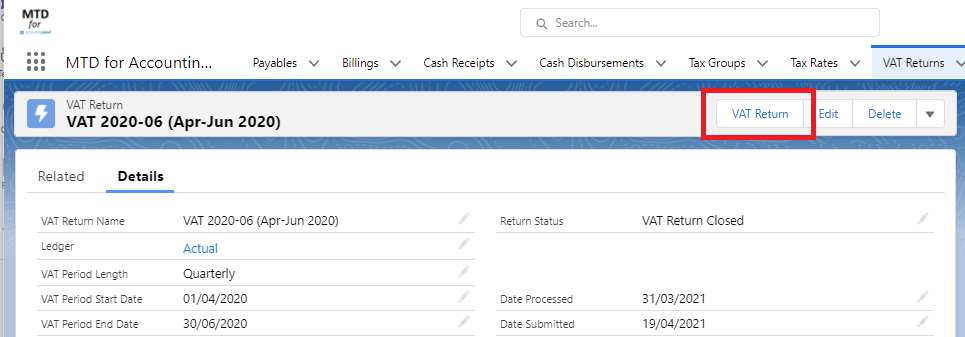
- Navigate to any VAT Return and click the [VAT Return] button:
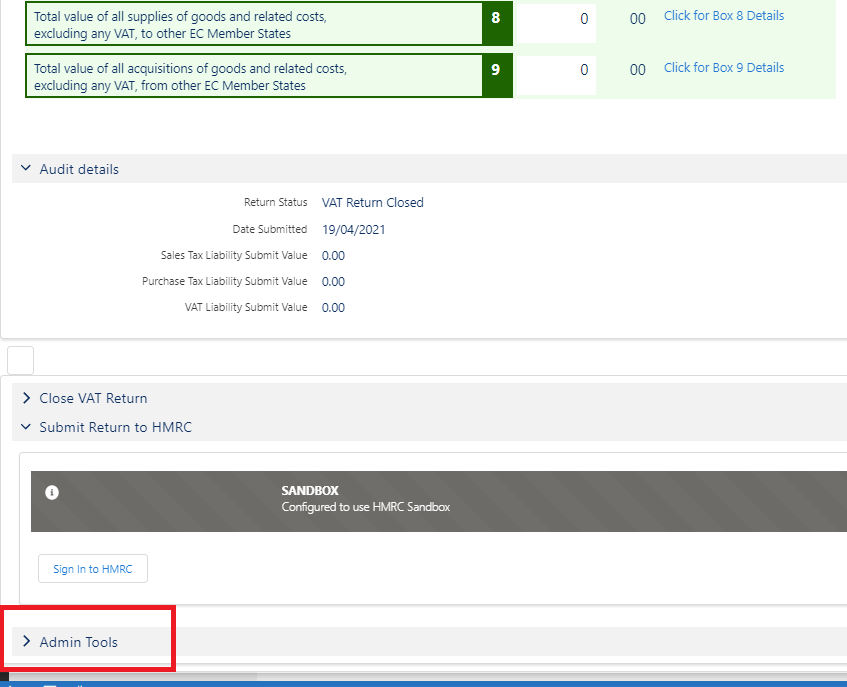
- Scroll to the bottom of the VAT Return page and expand ‘Admin Tools’:
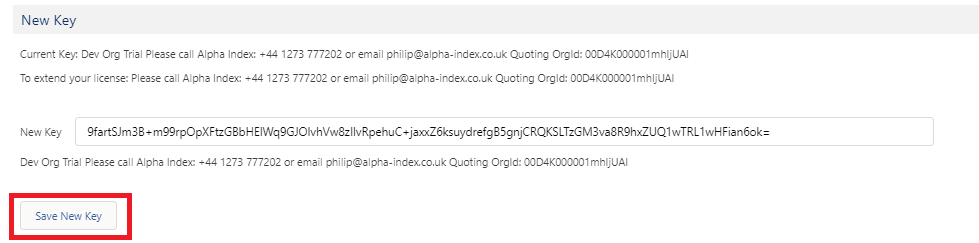
- Copy and paste the License Key sent to you into the field and click [Save Key]:
That’s it – job done!